
Ransomware Readiness
Ransomware Readiness for Small Businesses
Ransomware is not only a big-city problem. A small business in Wray can be disrupted by one stolen password, one unsafe remote access setting, one unpatched computer, or one backup that looks fine until it is time to restore. The best defense is a practical plan that reduces the chance of an attack and gives the business clear steps if something does go wrong.
By RightCyber Solutions · 2026-07-19
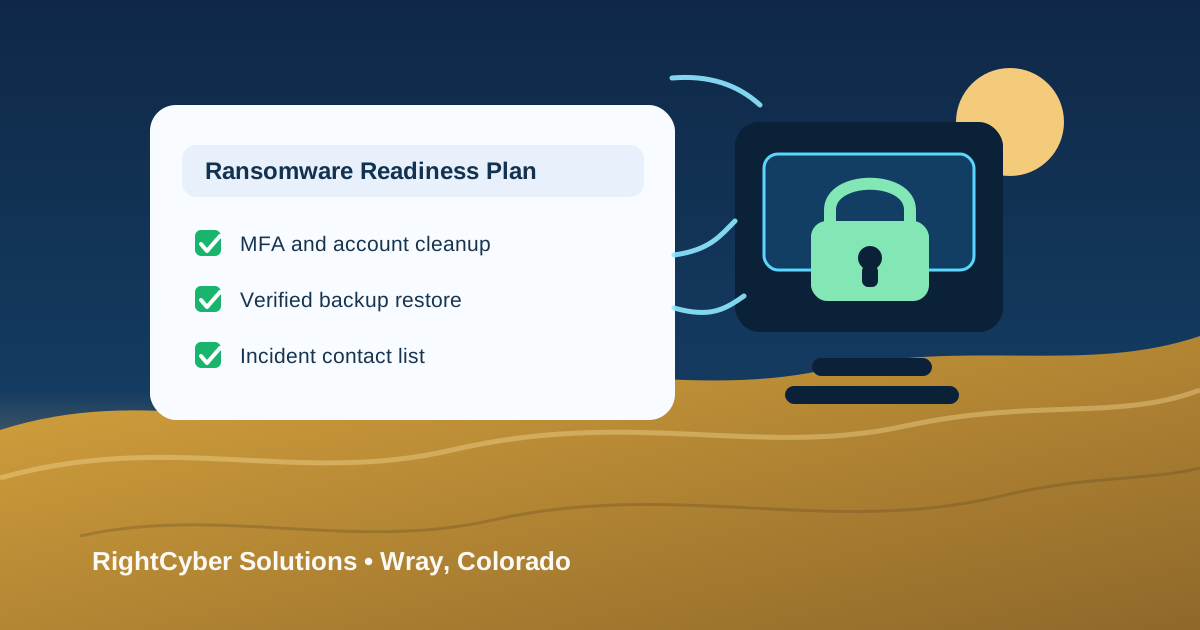
Quick takeaways
- Ransomware planning should cover people, accounts, devices, vendors, backups, and recovery steps
- Tested backups are more useful than backup software that no one has restored from
- Remote access, MFA, endpoint protection, and employee offboarding are common places to reduce risk
- RightCyber helps Wray and Northeastern Colorado businesses prepare before a security incident becomes a business shutdown
Ransomware usually starts with a normal workday
A ransomware incident often begins with something ordinary: an employee opens a convincing email, a password is reused, a remote access tool is left exposed, a vendor account has too much access, or an old computer misses important updates. By the time files are locked or systems stop working, the business is already under pressure.
For Wray businesses, the impact can be immediate. Staff may lose access to customer records, schedules, accounting files, shared documents, dispatch details, point-of-sale systems, or the computers used to serve customers. Even a short interruption can create missed work, confused communication, and difficult decisions.
Ransomware readiness is about reducing those surprises. It does not require scare tactics or a complicated program to start. It requires knowing which systems matter most, who has access, what protections are in place, and how the business would recover if the worst day happened.
Start with the accounts attackers are most likely to target
Stolen or weak passwords are still one of the easiest ways into a business. Owners, managers, bookkeepers, remote workers, and anyone with administrative permissions need stronger protection than a password alone. Multifactor authentication, clean recovery settings, and separate admin accounts can make a stolen password much less damaging.
Account cleanup also matters after employees change roles or leave. Former users should not keep access to email, shared files, remote tools, accounting systems, line-of-business applications, or vendor portals. Shared passwords and forgotten admin accounts create confusion when someone needs to confirm what happened.
A good review documents who can access critical systems, which accounts have extra privileges, how password resets are handled, and who approves new access. Those basics make both prevention and incident response easier.
Remote access should be useful without becoming an open door
Remote access helps owners, vendors, and employees work when they are away from the office, but it needs boundaries. Exposed remote desktop services, shared vendor logins, old VPN accounts, and unmanaged remote support tools can create risk that no one notices during a busy week.
A safer setup uses named users, multifactor authentication, limited permissions, device standards, logging, and a clear reason for each connection. If a vendor only needs temporary access, the business should know when that access starts, when it ends, and who is responsible for removing it.
RightCyber can help Wray businesses review remote access, remove old exceptions, document vendor connections, and connect those controls with broader managed cybersecurity support.
Backups need real restore testing
A backup is only valuable if the business can restore the right information quickly enough to keep operating. Many companies have some kind of backup in place, but fewer have recently tested whether the backup includes the most important files, databases, cloud data, and workstation information.
A ransomware-ready backup plan should answer plain questions. What is backed up? How often does it run? Where is it stored? Can ransomware reach or delete it? Who receives failed-backup alerts? How long would it take to restore the systems that matter most?
Testing a restore before an emergency can reveal gaps while there is still time to fix them. It also helps owners understand what recovery would really look like, instead of discovering limits during a stressful incident.
Endpoint protection and patching reduce easy opportunities
Workstations, laptops, and servers need consistent care. Missing updates, disabled protection, unsupported software, local administrator rights, and unknown devices can give attackers easier opportunities to move through the business.
Endpoint protection should be monitored, not just installed once and forgotten. The business should know which devices are active, whether protection is working, whether updates are current, and who is responsible when a warning appears. Device documentation also helps during insurance questions, vendor support, and recovery planning.
This does not mean every small business needs a complicated tool stack. It means the computers people rely on should be visible, patched, protected, and included in the response plan.
Employees need a simple way to report something suspicious
People are part of the defense. Employees should know what to do if they click a suspicious link, see strange popups, receive an unusual invoice request, notice files changing unexpectedly, or believe an account may be compromised. Silence and embarrassment can cost the business valuable time.
A simple reporting process is enough to begin: stop using the affected device, do not delete evidence, contact the right person, and avoid spreading the issue by opening the same message elsewhere. Managers should know who can make decisions if systems need to be disconnected or outside help is needed.
Short, practical guidance works better than long policies no one reads. The goal is for employees to report early so the business has more options.
Incident response should be written down before emotions are high
During a ransomware incident, every minute feels expensive. A written response plan gives the business a calmer starting point. It should list key contacts, critical systems, backup locations, vendor numbers, insurance contacts if applicable, decision makers, communication steps, and the first actions staff should take.
The plan should also define what not to do. Do not wipe systems before evidence is understood. Do not assume the first visible problem is the only problem. Do not reconnect devices until someone has checked whether the threat is contained. A little structure can prevent rushed decisions that make recovery harder.
RightCyber Solutions supports Colorado businesses with incident response planning, managed IT, backup and disaster recovery, and cybersecurity cleanup so owners are not trying to create a plan in the middle of a crisis.
Build a ransomware response plan before the clock is running
If your Wray business wants a practical starting point, begin with a short ransomware readiness review. Identify the systems that would stop the business if they were unavailable. Confirm who has administrative access. Review remote access and vendor accounts. Check endpoint protection. Test a backup restore. Write down who to call and what employees should do first.
That review can lead to managed cybersecurity, backup improvements, incident response planning, business computer support, or a cleaner managed IT process. The important part is not buying more tools immediately; it is knowing where the real gaps are and fixing them in a sensible order.
RightCyber Solutions helps Wray and Northeastern Colorado businesses prepare for ransomware with plain-language guidance and hands-on technical support. If your team depends on computers, cloud systems, customer records, or shared files every day, now is the time to make recovery less uncertain.
FAQ
What should a Wray business do first to prepare for ransomware?
Start with the basics: require multifactor authentication, review administrator accounts, remove former employee access, check remote access, confirm endpoint protection is working, and test whether important data can be restored from backup.
How often should a Wray business test ransomware recovery backups?
Backups should be tested regularly and after major system changes. The business should verify that important files, systems, and cloud data can be restored before an emergency forces the question.
Does ransomware readiness include employee training?
Yes. Employees should know how to report suspicious emails, strange computer behavior, unexpected file changes, and possible account compromise quickly so the business can respond before the situation spreads.
Can RightCyber help a Wray company after a ransomware scare?
Yes. RightCyber can help Wray businesses review the incident, contain affected systems, coordinate recovery steps, improve backups, clean up accounts, and strengthen cybersecurity controls for the future.