
Managed Cybersecurity and Mobile Access
Employee Phone Access Policy for Northeastern Colorado Businesses
Phones have become part of the office even when the office is a service truck, front counter, clinic room, shop floor, or farm yard. Employees may check email, approve MFA prompts, send customer photos, open shared files, use dispatch apps, or text a manager from a personal device. For Northeastern Colorado businesses, the risk is not that phones are used. The risk is letting phone access grow without clear rules for security, ownership, lost devices, and what happens when an employee leaves.
By RightCyber Solutions · 2026-08-08
Quick takeaways
- Decide which business systems may be used on personal phones, company phones, or not on phones at all
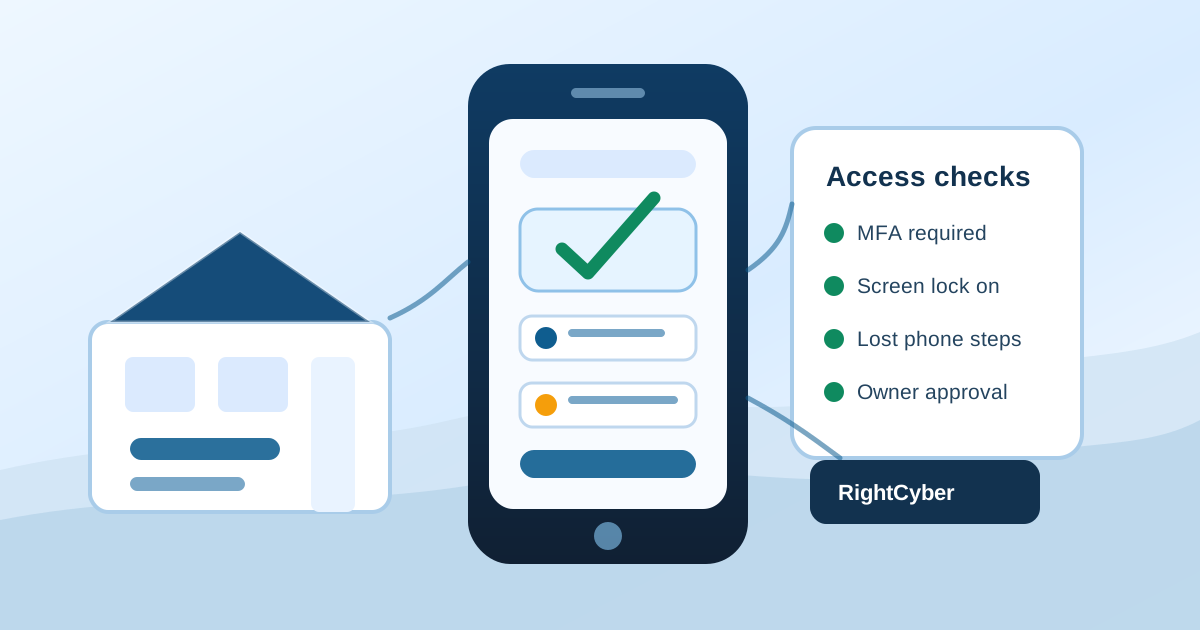
- Require screen locks, MFA, update settings, and quick reporting for lost or stolen devices
- Document who owns phone numbers, authenticator apps, shared photos, customer texts, and cloud app access
- Review Microsoft 365 and Google Workspace mobile access, mailbox rules, shared drives, and sign-in alerts together
- RightCyber helps Fort Morgan, Sterling, Brush, Wiggins, Akron, and nearby Northeastern Colorado businesses clean up mobile access without making everyday work harder
Start with the work phones are actually doing
A useful policy begins with real habits, not a stack of rules nobody follows. Walk through a normal day and list where phones touch business work: email, calendars, shared files, field photos, dispatch messages, timekeeping, customer texts, banking alerts, vendor apps, MFA prompts, maps, inventory systems, camera apps, or payment notifications.
The goal is to separate harmless convenience from access that could expose customer information, payroll details, job photos, passwords, or financial systems. A manager checking a schedule is different from a phone holding the only authenticator app for an administrator account.
RightCyber often finds that the biggest gaps are simple: nobody knows which phones still have email, who can remove access, or whether a former employee's personal phone still receives business messages.
Choose personal phone, company phone, or no phone access
Not every role needs the same answer. A technician in the field may need job photos and dispatch updates. A bookkeeper may need MFA but should not store accounting exports on a personal device. A front desk employee may only need a shared calendar during business hours. The policy should match access to the job instead of treating every employee the same.
For personal phones, decide whether the business requires a screen lock, current updates, remote sign-out capability, and immediate reporting if the device is lost. For company phones, document who approves apps, who pays for service, what happens during repairs, and how the device is returned during offboarding.
Some access should stay off phones altogether, especially administrator portals, backup consoles, payroll exports, sensitive file shares, or systems where a small mistake can affect the whole business.
Protect email and cloud files before convenience spreads
Email and cloud files are usually the first systems added to phones. They are also where business data spreads fastest. If employees use Microsoft 365 or Google Workspace, review mobile sign-ins, MFA methods, shared mailbox access, shared drives, mailbox forwarding, and inactive devices in the same pass.
A clean setup should make it easy to remove business access without touching an employee's personal photos or messages. That means using supported sign-in controls, keeping administrator accounts separate, and avoiding shared passwords that get saved in a phone browser.
Businesses should also know where customer photos, signed documents, estimates, and text threads are supposed to live. If the only copy sits on one employee's camera roll, the business may lose history when that phone is replaced or the employee moves on.
Write down the lost-phone response before one disappears
Lost and stolen phones are stressful because decisions have to be made quickly. The policy should tell employees who to call, what details to provide, and which accounts may need sign-out, password resets, MFA reset, session revocation, or device removal.
The first questions are practical: Was the phone locked? Did it have business email? Was it used for MFA? Did it contain customer photos, job notes, or saved browser passwords? Was the device personal or company-owned? Answers to those questions guide the response.
A short checklist can prevent a lost phone from becoming a larger security incident. It also gives employees permission to report the problem right away instead of waiting because they are embarrassed or unsure what will happen.
Make offboarding include mobile access
Employee departures often focus on keys, uniforms, laptops, and payroll. Phone access gets missed because it feels personal or because nobody remembers which apps were installed. Offboarding should include mobile email, cloud files, authenticator apps, shared calendars, customer texting arrangements, vendor apps, and any company phone or number assigned to the employee.
If a phone number is used by customers, vendors, or MFA systems, decide whether the business owns that number and how it will be transferred. If a personal phone was used for customer texting, decide how conversations that belong to the business are preserved without taking personal content.
This is also the time to remove saved sessions, check recent sign-ins, rotate shared passwords that should not have been shared, and confirm that the next employee has access through their own account.
Keep the policy short enough to follow
A phone policy does not need to be a legal-sized binder. The most useful version is a one- or two-page decision guide that employees can understand: what is allowed, what is not allowed, what security settings are required, who approves exceptions, and what to do when something changes.
RightCyber Solutions helps Northeastern Colorado businesses review mobile access, tighten Microsoft 365 and Google Workspace sign-ins, clean up MFA methods, document offboarding steps, and connect phone rules to managed IT support and cybersecurity monitoring.
If phones are already part of daily work, it is worth making the rules clear before a lost device, staff change, or suspicious sign-in forces a rushed decision.
FAQ
Should employees use personal phones for business email?
Sometimes it is reasonable, but the business should define who is allowed, which security settings are required, how access can be removed, and what types of data should not be saved to a personal phone.
What security settings should be required for phones with business access?
At minimum, require a screen lock, current operating system updates, MFA, fast lost-device reporting, and the ability to remove business account sessions. Higher-risk roles may need company-owned devices or stricter controls.
How should Microsoft 365 and Google Workspace phone access be reviewed?
Review active mobile devices, MFA methods, shared mailbox permissions, shared drives, forwarding rules, administrator accounts, stale sign-ins, and whether former employees still have any connected sessions.
What should a business do when an employee loses a phone?
Collect the phone number, owner, last known location, lock status, business apps used, MFA role, and customer data involved. Then remove sessions, reset passwords or MFA where needed, and document what was done.
Can RightCyber help create a phone access policy?
Yes. RightCyber can help review current phone use, clean up cloud access, document lost-device and offboarding steps, and build a policy that fits small business work across Fort Morgan, Sterling, Brush, Wiggins, Akron, and Northeastern Colorado.