
Managed Cybersecurity and Account Protection
Admin Account and Password Vault Cleanup for Northeastern Colorado Businesses
Most small businesses have at least one account that makes everyone nervous: the old owner login nobody uses, the vendor password saved in a browser, the shared administrator account from years ago, or the only MFA phone tied to a former employee. Those loose ends are easy to ignore while work is moving, but they become serious when someone leaves, a vendor changes, or a suspicious sign-in appears after hours. A clean admin account and password vault plan gives Northeastern Colorado businesses a safer way to know who can get into critical systems and how access can be recovered without panic.
By RightCyber Solutions · 2026-08-10
Quick takeaways
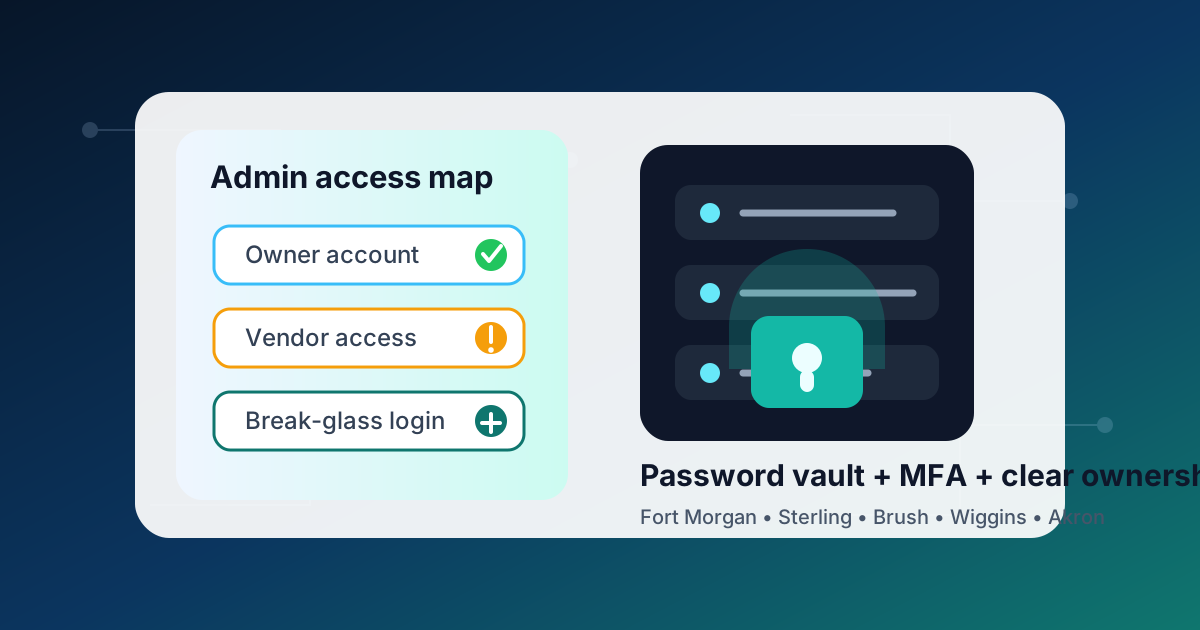
- Identify owner, administrator, vendor, and emergency accounts across email, cloud apps, firewalls, accounting tools, websites, domains, and backups
- Move shared passwords out of browsers, sticky notes, spreadsheets, and text threads into a managed password vault with clear ownership
- Review MFA methods so Microsoft 365, Google Workspace, banking alerts, remote access, and vendor portals are not tied to one person’s phone
- Create a safe break-glass process for account recovery without giving everyone permanent administrator rights
- RightCyber helps Fort Morgan, Sterling, Brush, Wiggins, Akron, and nearby Northeastern Colorado businesses clean up account access without disrupting daily work
Find the accounts that can change the business
Start with the logins that can create the most trouble if they are misused or lost. That usually includes email administrator accounts, Microsoft 365 and Google Workspace admins, domain registrar logins, website hosting, firewall and Wi-Fi management, accounting software, payroll, backup consoles, remote access tools, bank alerts, security cameras, and any vendor portal that can change billing or user permissions.
For each account, write down who owns it, who uses it, what MFA method protects it, where recovery emails go, and whether a former employee or old vendor could still have access. This does not have to be complicated. A short inventory is often enough to reveal the risky spots.
The goal is not to make every employee jump through hoops. The goal is to know which accounts deserve extra care because one mistake could lock people out, expose customer data, or stop phones, email, payments, backups, or the website.
Separate daily work from administrator privileges
Administrator accounts should not be used for normal email, web browsing, or daily office work. If the same login reads messages, pays bills, opens attachments, and manages the whole tenant, a single phishing message can turn into a much larger problem.
Create named accounts for people who need elevated access, keep those rights limited to the systems they manage, and remove administrator permissions when the job no longer requires them. Shared admin logins may feel convenient, but they make it harder to know who changed a setting or approved a sign-in.
A safer setup gives owners visibility without forcing them to share one master password with every vendor, manager, or part-time helper who needs temporary access.
Put business passwords where they can be protected
Passwords scattered across browsers, notebooks, spreadsheets, email drafts, and text messages are hard to secure and even harder to clean up when someone leaves. A password vault gives the business one place to store important logins, share them with the right people, and remove access without changing every password in a rush.
The vault should have named users, MFA, clear folders, and ownership rules. Decide which passwords belong to the business, which ones belong to a person, and which ones should never be shared because each user should have their own account.
This is especially helpful for local offices where owners, managers, bookkeepers, and outside vendors all touch technology in different ways. The vault becomes part of operations instead of a secret list only one person understands.
Check MFA before a phone change becomes an outage
MFA is important, but it can create a new problem when every code or prompt goes to one person's phone. If that phone is lost, replaced, or tied to a departed employee, the business may be locked out of email, payroll, banking notifications, remote access, or a vendor portal right when it needs help.
Review authenticator apps, text-message codes, backup codes, recovery emails, trusted devices, and emergency contacts. Microsoft 365 and Google Workspace both need special attention because they often control email, files, calendars, mobile access, and password resets for the whole business.
A good MFA review does not mean weakening security. It means making sure the right people can recover access through a documented process instead of guessing under pressure.
Give vendors temporary access with an end date
Vendors sometimes need access to fix phones, line-of-business software, cameras, websites, copiers, or network equipment. That access should be specific, logged where possible, and removed when the work is done. Permanent vendor accounts are a common source of surprise years later.
Write down what the vendor can reach, who approved it, whether MFA is enabled, and when the account should be reviewed. If a vendor uses remote support tools, confirm who can start a session and whether unattended access is still needed.
These small steps help the business stay in control when a vendor relationship changes, a contract ends, or a new provider takes over support.
Create a recovery path owners can actually use
Every business needs a careful emergency process for the rare moments when normal access fails. Some teams call this a break-glass account. Whatever the name, it should be protected, documented, monitored, and tested enough that the owner knows it will work.
The recovery path should cover where emergency credentials are stored, who can approve use, what alerts should fire, how passwords are rotated afterward, and which systems must be checked after access is restored. It should not become a shortcut for daily work.
RightCyber Solutions helps Northeastern Colorado businesses review administrator accounts, organize password vaults, tighten MFA, document vendor access, and connect account cleanup to managed cybersecurity, managed IT support, backup planning, and business continuity. If the business depends on one mystery login or one phone for account recovery, now is a good time to clean that up before it turns into an outage.
FAQ
Which business accounts should be treated as administrator accounts?
Any account that can add users, change security settings, reset passwords, alter billing, manage backups, control the website or domain, change firewall rules, or access sensitive financial and customer systems should be treated with extra care.
Should a small business use a password vault?
Yes, when it is set up with MFA, named users, clear folders, and ownership rules. A vault is safer than storing business passwords in browsers, documents, email, or text messages, and it makes employee or vendor changes easier to handle.
How often should administrator access be reviewed?
Review admin, vendor, and emergency access at least a few times a year and whenever an employee leaves, a vendor changes, a phone is replaced, or the business adds a major new system.
What happens if MFA is tied to a former employee's phone?
The business may have trouble resetting passwords or proving ownership of an account. The safest fix is to review MFA methods before staff changes create an emergency, then update recovery emails, backup codes, and administrator contacts.
Can RightCyber help clean up admin accounts and password vaults?
Yes. RightCyber can inventory critical accounts, review Microsoft 365 and Google Workspace administrator settings, organize password vault access, document vendor permissions, and build a safer recovery plan for businesses across Fort Morgan, Sterling, Brush, Wiggins, Akron, and Northeastern Colorado.