
Email and Account Cleanup
Shared Mailbox and Calendar Ownership Cleanup for Akron Businesses
Shared inboxes and calendars are supposed to make work easier. A front desk mailbox may collect appointment requests, a sales alias may receive estimates, a dispatcher calendar may drive the day, and a manager may approve time off from a shared schedule. The problem starts when nobody can say who owns each mailbox, which former employees still have access, or where customer messages are being forwarded. For Akron, Washington County, and nearby Northeastern Colorado businesses, a short cleanup can prevent missed leads, privacy concerns, and after-hours confusion.
By RightCyber Solutions · 2026-08-06
Quick takeaways
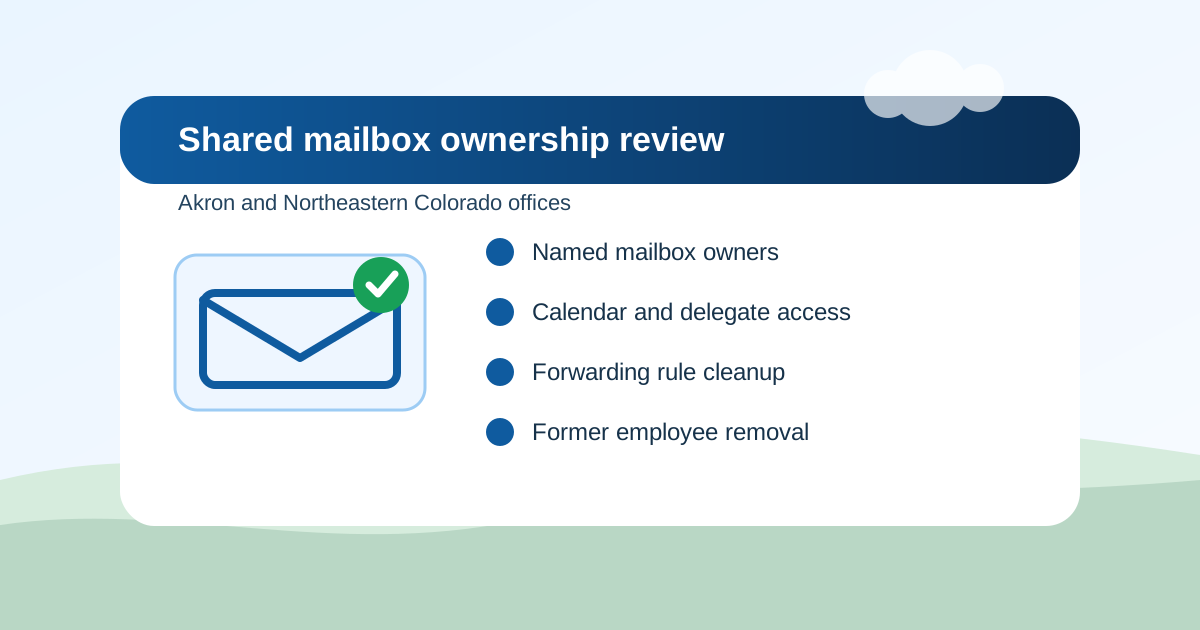
- Every shared inbox and calendar should have a named business owner who decides who can read, send, edit, and remove access
- Former employee permissions, hidden forwarding rules, stale aliases, and unmanaged mobile devices can leave customer messages exposed or unanswered
- Microsoft 365 or Google Workspace mailbox cleanup should include MFA, delegate access, group membership, archive needs, and backup expectations
- RightCyber helps Akron and Northeastern Colorado businesses review email access, document ownership, and build simple handoff steps for staff changes
Name the owner before changing permissions
A shared mailbox without an owner becomes everybody's problem and nobody's responsibility. Before removing access or changing settings, the business should name the person who decides how the mailbox is used. That may be the office manager, dispatcher, clinic administrator, controller, department lead, or owner.
The owner does not have to make every technical change. Their job is to answer business questions: who needs to see this mail, who is allowed to send as the business, what messages must be kept, and who checks the inbox when the usual person is gone.
This step matters for small offices because shared inboxes often carry real customer work: quote requests, appointment changes, delivery notes, invoices, HR questions, vendor messages, and complaint follow-up.
Check who can read, send, and edit today
Permissions can drift over time. A temporary helper gets access during harvest season, a bookkeeper is added for one project, a former manager keeps delegate rights, or a vendor account remains because nobody wanted to break an old workflow. Months later, the list no longer matches the business.
A cleanup should review full mailbox access, send-as rights, send-on-behalf permissions, calendar editor roles, group membership, aliases, mobile devices, and any third-party apps connected to the account. The goal is not to lock people out of work they need. The goal is to remove access that no longer has a clear reason.
For Microsoft 365 or Google Workspace, RightCyber can help turn those permission lists into plain-language notes the owner can review instead of a confusing admin screen.
Look for forwarding rules and hidden delivery paths
Forwarding rules are one of the easiest ways for messages to leave the business without anyone noticing. Some rules are harmless, like sending website form copies to a manager. Others are risky, especially when mail forwards to a personal address, a former vendor, or an outside account nobody recognizes.
Shared mailbox cleanup should check inbox rules, transport rules, aliases, group delivery settings, website form recipients, copier scan-to-email destinations, and CRM or scheduling notifications. If a customer says they sent a message but the office never saw it, these paths are often where the answer is hiding.
Documenting the approved delivery paths also makes troubleshooting faster the next time a form, scanner, appointment reminder, or invoice message does not arrive.
Calendar access needs the same attention as email
Calendars can expose more than meeting times. They may show customer names, jobsite addresses, patient or client notes, employee schedules, manager travel, and private reminders. If a former employee can still open a shared calendar, that is not just an inconvenience.
Review who can view, edit, delegate, invite, and delete calendar items. For dispatch, service, healthcare, nonprofit, and professional offices, also decide what details should be visible to the whole team and what should stay limited to supervisors or assigned staff.
A clean calendar setup helps people trust the schedule. Staff know which calendar is authoritative, managers know who can change it, and owners have a clear path when coverage changes.
Build a handoff step for every staff change
The best time to fix shared mailbox access is before the next resignation, retirement, seasonal change, or role move. The handoff checklist should say which shared inboxes, calendars, groups, scanners, cloud folders, and line-of-business systems must be reviewed when someone leaves or changes jobs.
That checklist should include disabling sign-in where appropriate, removing delegate rights, transferring calendar ownership, updating website form recipients, changing shared device access, and confirming that customer messages still reach the right people.
For a local office with a small staff, this does not need to be complicated. A one-page process can prevent a surprising amount of confusion.
Turn shared inboxes into a supportable system
Shared mailboxes and calendars should not depend on memory. Keep a short record of each mailbox name, purpose, owner, approved users, aliases, forwarding rules, recovery notes, and backup expectations. Review it during staff changes and at least once a year.
RightCyber Solutions helps Akron, Wiggins, Fort Morgan, Sterling, Brush, Yuma, Burlington, and nearby Northeastern Colorado businesses clean up Microsoft 365 or Google Workspace access, improve MFA coverage, review shared mailbox permissions, and document the systems people use every day.
If your team is not sure who owns the front desk inbox, sales alias, dispatch calendar, or shared scanner mailbox, that is a good place to start before the next missed message becomes a customer problem.
FAQ
What is shared mailbox ownership?
Shared mailbox ownership means one business person is responsible for deciding who can access the inbox, who can send from it, what messages must be retained, and how coverage works when staff are out.
How often should shared mailbox permissions be reviewed?
Review permissions during every staff change and at least once a year. A quick review should include full access, send-as rights, calendar roles, group membership, forwarding rules, aliases, and connected apps.
Can former employees still have access to a shared calendar?
Yes, it can happen if delegate rights, group membership, mobile device access, or shared account shortcuts were not removed during offboarding. Calendar access should be checked separately from normal email sign-in.
Does RightCyber help with Microsoft 365 and Google Workspace cleanup?
Yes. RightCyber helps businesses review Microsoft 365 or Google Workspace users, shared mailboxes, calendars, MFA, forwarding rules, group access, cloud files, and handoff documentation.
What should an Akron business document for shared inboxes?
Document the mailbox purpose, owner, approved users, aliases, forwarding rules, send permissions, calendar links, website form recipients, scanner destinations, backup expectations, and the removal steps for staff changes.