
Managed Cybersecurity
Shared Front Desk Computer Login Security for Colorado Businesses
Many local businesses have at least one computer that several people touch during the day: a reception desk workstation, a shop counter PC, a dispatch computer, a checkout station, a nurse station, or a back-office machine used for QuickBooks, email, calendars, forms, and customer records. Shared computers are convenient, but they can become risky when everyone uses one password, former employees still know the login, browser sessions stay open, or customer information is visible to the wrong person. For businesses in Fort Morgan, Sterling, Brush, Wiggins, Greeley, Brighton, and nearby communities, cleaning up shared computer access is a practical security step that also makes daily support easier.
By RightCyber Solutions · 2026-07-28
Quick takeaways
- Shared business computers should use named staff accounts instead of one password that everyone knows
- Saved browser passwords, open email sessions, and old Microsoft 365 or Google Workspace logins can expose customer records and vendor messages
- Former employees, seasonal helpers, and role changes should trigger a review of local accounts, cloud access, and business app permissions
- RightCyber helps Northeastern Colorado businesses clean up shared workstations, protect email and files, and document a safer sign-in process
One shared password creates more problems than it solves
A single front desk password may feel simple. The morning employee signs in, the afternoon employee keeps working, and nobody has to remember another account. The trouble starts when something goes wrong. If an invoice is changed, a file is deleted, a customer record is opened, or a browser password is used, the business cannot tell who actually did it.
Shared passwords also linger. A former employee may still know the computer login. A temporary helper may remember the password months later. A vendor may have been given access during a repair and never fully removed. The computer keeps working, so the risk is easy to ignore.
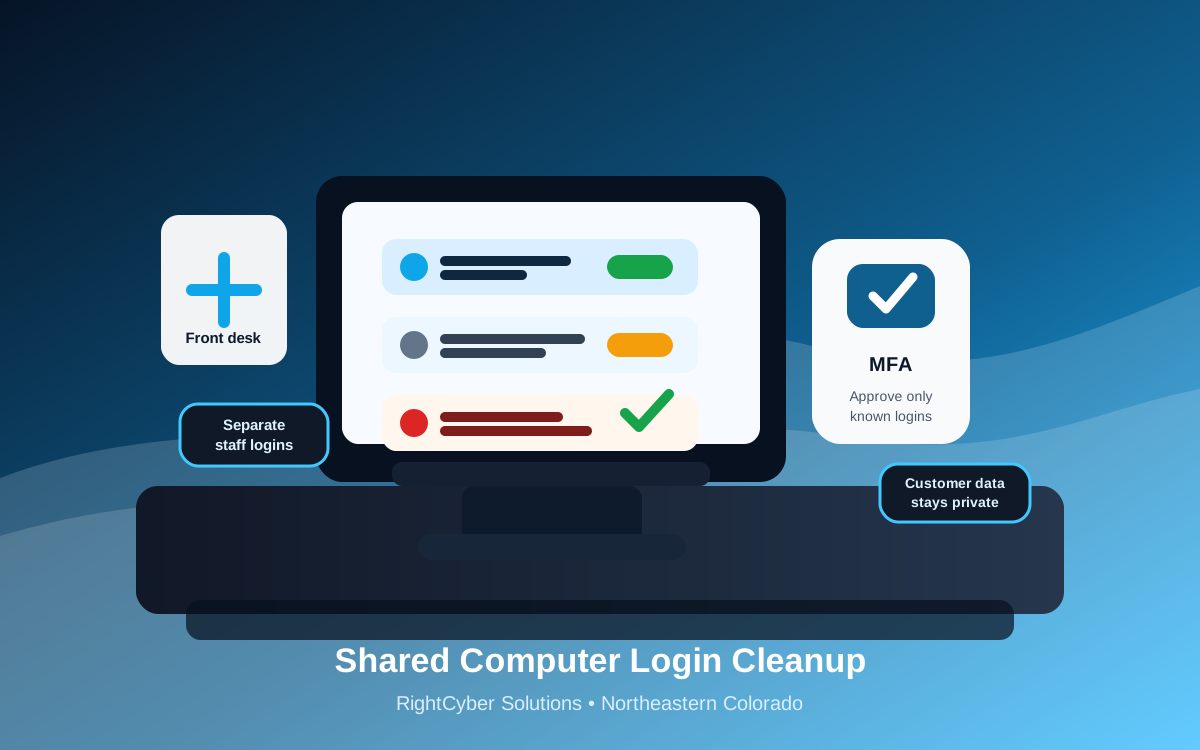
Named staff logins are not about making life harder. They give the business a cleaner record, make permissions easier to manage, and reduce the damage if one password is guessed, phished, or shared.
Front desk computers often hold more access than owners realize
A shared workstation may have access to email, calendars, scanned documents, customer forms, scheduling software, banking bookmarks, payment portals, remote support tools, label printers, cameras, and line-of-business apps. Even if the computer is used for simple tasks, the saved sessions behind the scenes may reach sensitive information.
Browsers are a common weak point. Staff may save passwords, stay signed in to Microsoft 365 or Google Workspace, leave vendor portals open, or use the same browser profile for several people. That makes it difficult to separate normal work from accidental exposure.
A good cleanup starts by listing what the computer can reach. Then the business can decide which access belongs on that workstation, which access should require a named user, and which shortcuts need to be removed.
Use named accounts without slowing down the counter
Owners sometimes avoid individual logins because they worry the front counter will slow down. The answer is not to make sign-in painful. The answer is to set up accounts and policies that match the workday: quick locking, reasonable session timeouts, clear roles, and fast support when someone cannot sign in.
For a clinic, that may mean separating reception access from billing access. For a contractor, it may mean keeping dispatch software available while limiting saved email and file access. For a retail or service counter, it may mean separating point-of-sale use from owner-only portals.
The goal is simple: the right employee can do the job in front of them, and the business is not relying on one all-purpose password taped under the keyboard.
MFA needs special handling on shared workstations
Multifactor authentication is still important, but shared computers need thoughtful setup. If every employee approves prompts on one owner phone, the business has not really confirmed who is signing in. If staff approve prompts they did not request, an attacker may get the exact opening they wanted.
Each user should have their own MFA method where possible. The business should also review remembered devices, trusted locations, backup codes, and recovery email addresses. If a shared workstation has been trusted for months, it may be time to confirm whether that still makes sense.
RightCyber can help owners choose a setup that protects Microsoft 365 or Google Workspace without creating constant interruptions at the front desk.
Former employees and seasonal helpers should not follow the computer forever
Shared computers are especially risky during staffing changes. A person may leave the business, but their browser profile, Windows profile, email session, saved password, remote access tool, or app login may remain on the machine. If the old account still works, the business has a quiet access problem.
Employee offboarding should include the shared computers they used. That means removing local profiles when appropriate, signing out of cloud accounts, clearing saved passwords, checking app permissions, and confirming that shared mailboxes, files, and calendars no longer include the wrong person.
Seasonal teams, student workers, temporary office help, and part-time counter staff need the same attention. Short-term access should not become permanent just because the computer stayed in place.
Write down who may use which workstation and why
A short access map can prevent confusion. It should name each shared computer, where it sits, what it is used for, which staff roles may sign in, which business apps are allowed, and who approves changes. This does not need to be a giant policy binder. A one-page record is often enough to stop guesswork.
The access map also helps with support. When a printer stops working, a browser warning appears, or an employee needs a new login, the support person can see what the workstation is supposed to do. That cuts down on fixes that accidentally give the computer more access than it needs.
For businesses with more than one location, the map should reflect the real differences between sites. A Greeley office, a Sterling shop, and a Fort Morgan front desk may not need the same computer access.
Make shared computer cleanup part of normal IT care
Shared computer security is not a one-time project. It should be reviewed when employees change, when a new business app is added, after a suspicious email, before cyber insurance paperwork, and whenever the owner is not sure who still has access to what.
A useful review checks local user accounts, browser profiles, saved passwords, Microsoft 365 or Google Workspace sessions, MFA methods, business app permissions, remote access tools, antivirus status, patching, and backup coverage for any files stored on the workstation.
RightCyber Solutions helps Northeastern Colorado businesses clean up shared computers, secure cloud accounts, support staff sign-ins, and connect workstation security with managed IT and managed cybersecurity. If your front desk, shop counter, or dispatch computer has become the place where everyone signs in as everyone, it is worth tightening up before a small convenience turns into a larger incident.
FAQ
Should a business use one shared login for a front desk computer?
In most cases, no. Named staff accounts give the business better control, clearer accountability, and easier cleanup when an employee leaves or changes roles. A shared workstation can still be convenient without using one password for everyone.
What should be checked on a shared office computer?
Check local user accounts, browser profiles, saved passwords, open email sessions, Microsoft 365 or Google Workspace access, MFA settings, business app permissions, remote support tools, antivirus, updates, and any customer files stored on the device.
How can MFA work when several employees use the same computer?
Each employee should use their own approved MFA method where possible. The business should also review trusted devices, remembered sessions, recovery options, and whether shared phones or owner-only approvals are creating confusion.
Can RightCyber help clean up shared computers for Colorado businesses?
Yes. RightCyber can review shared workstations, remove stale access, set up named accounts, clean up Microsoft 365 or Google Workspace sessions, improve MFA, and document a safer sign-in process for businesses across Northeastern Colorado.