
Network Infrastructure
Security Camera Network Planning for Colorado Businesses
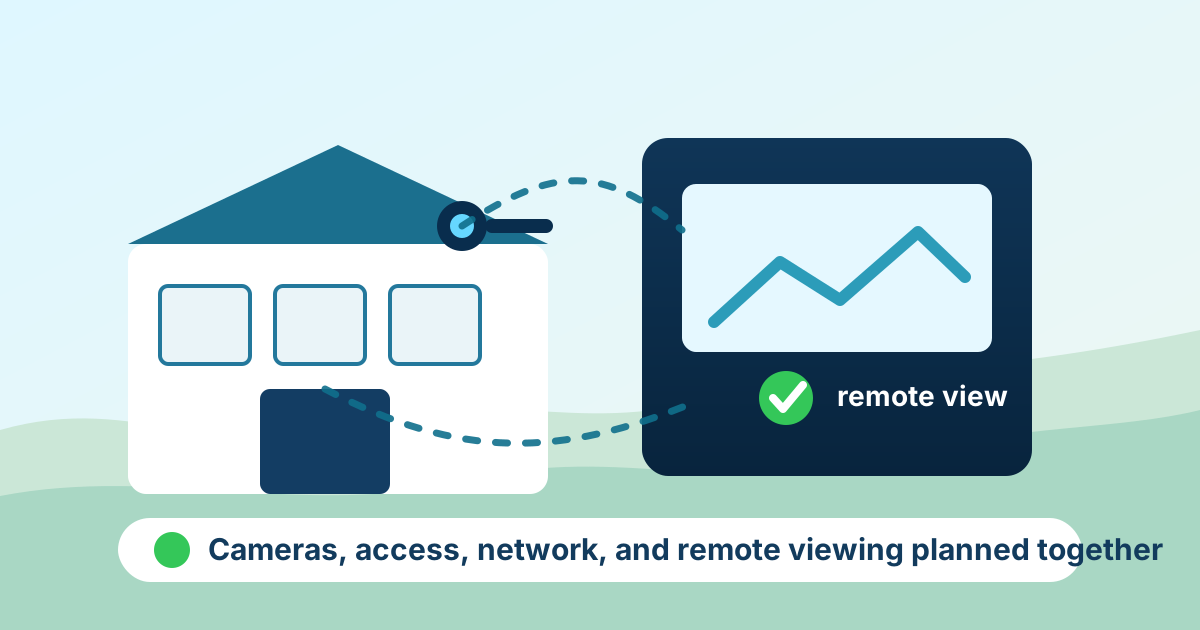
Security cameras help only when the whole system is planned well. A shop owner may need to see the yard after hours, a clinic may need cameras that avoid private treatment areas, a warehouse may need clear footage at loading doors, and a school, church, farm office, or professional building may need remote access without opening the business network to unnecessary risk. For businesses in Fort Morgan, Sterling, Brush, Wiggins, Greeley, Brighton, Burlington, and nearby communities, camera planning should include the network, cabling, storage, permissions, internet reliability, and support process from the start.
By RightCyber Solutions · 2026-07-30
Quick takeaways
- Camera projects should start with the real business problem: entrances, yards, counters, loading areas, parking lots, or after-hours access
- Remote viewing should use named accounts, MFA, and vendor access rules instead of shared passwords or wide-open network ports
- Storage, retention, image quality, cabling, Wi-Fi limits, and internet failover all affect whether footage is available when it is needed
- RightCyber helps Northeastern Colorado businesses plan camera networks alongside infrastructure, cybersecurity, managed IT, and daily support
Start with the places where footage would actually help
A useful camera plan begins with the moments the business needs to understand later. That may be a delivery dispute at a back door, a vehicle in the lot, a cash drawer question, a customer injury, a gate left open, or a person entering a restricted area after hours.
Those details affect camera placement, lens choice, lighting, recording quality, and how long footage should be kept. A camera mounted too high may show that something happened without showing who was involved. A camera pointed at bright glass may miss the face or license plate the owner wanted to see.
RightCyber encourages owners to walk the property and name the decisions they want footage to support. From there, the technology can fit the location instead of forcing the location to fit a generic camera kit.
Cameras should not sit loose on the same network as everything else
Modern cameras are network devices. They may have web login pages, cloud connections, firmware updates, phone apps, and vendor management tools. If they are placed on the same flat network as workstations, servers, payment systems, and shared files, a small camera issue can become a larger business risk.
Network separation helps. Cameras can usually live on their own network segment with clear rules for who may view footage, which recorder can talk to them, and whether vendors have access. That keeps normal office work separate from the video system while still allowing authorized viewing.
For businesses already reviewing firewalls, switches, Wi-Fi, or cabling, it is smart to include camera traffic in the network plan before equipment is mounted and wires are pulled.
Remote viewing needs safer access than one shared password
Owners often want to check cameras from home, from another location, or while traveling between towns. That is reasonable. The problem is when remote viewing depends on a shared login, an old phone app, a port opened directly to the internet, or a vendor account nobody inside the business understands.
A safer setup uses named users, strong passwords, MFA where available, and a clear list of who can see which cameras. Former employees, former vendors, and old phones should be removed just like any other business account.
Remote viewing should answer a simple question: if someone can see this camera from outside the building, who approved that access, how is it protected, and how will it be removed when their role changes?
Storage and retention should match the business need
A camera system can look fine on day one and still disappoint the owner later if footage is overwritten too quickly, stored at the wrong quality, or saved on a recorder that nobody checks. Retention needs vary. A retail counter, construction yard, medical office, church, and farm shop may all need different timelines.
Storage planning should include recording quality, motion settings, number of cameras, recorder health alerts, backup expectations, and who is responsible for exporting footage when an incident happens. Owners should also know whether video is stored on-site, in the cloud, or both.
The goal is not to keep every second forever. The goal is to keep the right footage long enough to answer real questions without creating avoidable privacy, cost, or management problems.
Cabling, Wi-Fi, and power choices affect reliability
A camera in the perfect spot still needs dependable power and connectivity. Outdoor runs, metal buildings, long distances, dust, heat, cold, and lightning-prone areas can all affect the design. Some cameras belong on wired cabling with proper power. Others may use wireless links when trenching or conduit is not practical.
Wi-Fi cameras can be useful, but they should not be the default answer for every business area. A weak signal, crowded access point, or cheap extender can leave gaps exactly when the owner needs footage. Planning the network first prevents a lot of frustration after installation.
RightCyber can help coordinate camera needs with switches, cabling paths, wireless coverage, UPS battery backup, and internet failover so the system fits the building rather than barely working around it.
Door access and alarms should be considered together
Many businesses add cameras because they are also thinking about door access, alarm notifications, visitor entry, employee keys, or after-hours deliveries. Those systems often touch the same network and the same support process, even when different vendors install them.
It helps to decide how events should connect. If a door is forced open, which camera should be checked? If a gate code is used after hours, who receives the alert? If a vendor needs temporary building access, who removes it when the work is done?
Planning cameras, access control, and network support together makes troubleshooting easier and reduces the chance that one vendor leaves behind an account, device, or shortcut nobody manages.
Make camera systems part of normal technology support
Camera systems should not become mystery boxes that only one installer knows how to manage. The business should have a record of camera locations, IP addresses, recorder details, admin accounts, vendor contacts, warranty information, update process, and remote viewing permissions.
A regular review can catch failing hard drives, offline cameras, outdated firmware, weak passwords, old user accounts, and remote access that should no longer exist. It can also confirm whether the system still matches the business after a remodel, staff change, building addition, or new location.
RightCyber Solutions helps Northeastern Colorado businesses connect security cameras with network infrastructure, managed cybersecurity, managed IT support, and managed voice and video planning. If cameras are becoming important to safety, operations, or after-hours decisions, they deserve the same careful planning as the rest of the business technology.
FAQ
Should business security cameras be on a separate network?
In many cases, yes. Keeping cameras on a separate network segment helps limit exposure, control viewing access, and prevent camera traffic from interfering with normal business systems.
What should be checked before adding remote camera viewing?
Review who needs access, whether accounts are named, whether MFA is available, whether any ports are exposed to the internet, how vendor access is handled, and how former employees or old phones will be removed.
How long should a business keep camera footage?
Retention depends on the business need, number of cameras, recording quality, storage capacity, privacy concerns, and the type of incidents the business may need to review. The plan should be written down before an incident happens.
Can RightCyber help plan cameras with the business network?
Yes. RightCyber can help plan camera network separation, cabling needs, remote viewing access, recorder health, vendor coordination, and support documentation for businesses across Northeastern Colorado.