
Managed IT Support
Printer and Scanner Security Cleanup for Colorado Offices
Printers and copiers do more than print. In many offices they scan payroll forms, email invoices, store address books, save fax confirmations, connect to shared folders, and sit on the same network as computers that handle customer records. Because they usually keep working quietly, they are easy to forget during security reviews. For businesses in Fort Morgan, Sterling, Brush, Wiggins, Greeley, Brighton, and nearby communities, a printer and scanner cleanup can prevent sensitive documents from landing in the wrong inbox, sitting on an old device, or being reachable through weak settings.
By RightCyber Solutions · 2026-07-29
Quick takeaways
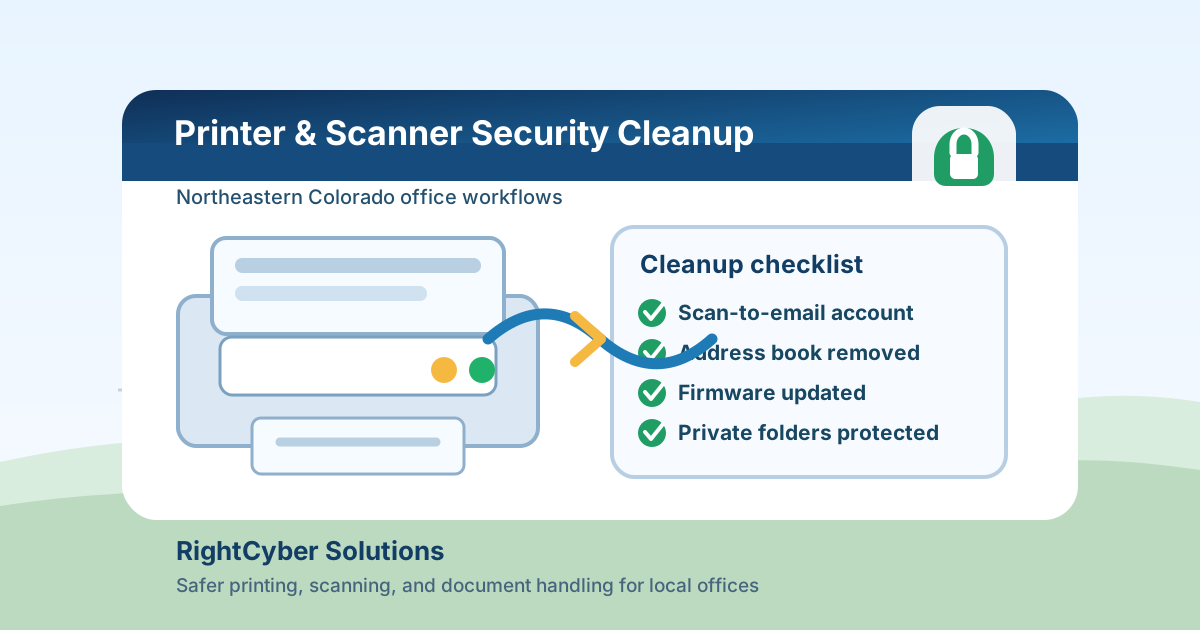
- Office printers and copiers often retain address books, saved jobs, scan destinations, admin passwords, and network settings that should be reviewed
- Scan-to-email and scan-to-folder workflows can expose invoices, HR files, medical forms, customer records, or tax documents when old users and shortcuts remain
- Firmware updates, unique admin passwords, network placement, and document release settings reduce risk without making printing harder
- RightCyber helps Northeastern Colorado businesses clean up printers, scanners, shared folders, Microsoft 365 or Google Workspace mail settings, and everyday office workflows
The copier may know more about the business than people think
A shared copier can touch nearly every department. The front desk scans customer IDs. Accounting prints checks or invoices. Managers copy employee paperwork. A clinic, shop, school, nonprofit, or professional office may all use the same device for documents that should not be visible to everyone.
Many multifunction printers keep more information than owners realize: recent job history, stored documents, address books, SMTP settings, shared-folder paths, fax logs, and admin pages. If the device was installed years ago and rarely reviewed, it may still trust old settings that no longer fit the business.
The cleanup starts with a simple question: what does this device handle, and who should be allowed to make it send, store, or print those documents?
Scan-to-email shortcuts need regular cleanup
Scan-to-email is convenient until the address book becomes a collection of former employees, old vendors, misspelled contacts, personal addresses, and one-click destinations that nobody checks. A single tap can send a payroll form, customer contract, insurance document, or invoice to the wrong place.
Businesses using Microsoft 365 or Google Workspace should also review how the printer is allowed to send mail. Some devices still use older authentication methods, shared mailbox credentials, or an account that never had a real owner. Those settings may keep scans moving, but they can also create a quiet security gap.
A safer setup names the sending account, limits where scans may go when appropriate, removes stale contacts, and makes it clear who is responsible for address book changes.
Shared folders and network paths should not be wide open
Some offices scan directly to a shared folder so staff can pick up documents from their computer. That can work well, but the folder needs permissions that match the work. If everyone can open every scan folder, private documents can spread farther than intended.
Old scan paths are another warning sign. A copier may still point to a retired server, an employee desktop, a vendor-created folder, or a share that was opened during a rush and never tightened afterward. When that path breaks, staff may create a shortcut that is even less controlled just to keep scanning.
RightCyber can help map scan destinations, clean up shared folder permissions, and separate everyday paperwork from documents that need limited access.
Default admin passwords and outdated firmware are still common
Printers often ship with default admin passwords, and those passwords can stay in place for years. If anyone on the network can open the printer's admin page, they may be able to view settings, change destinations, download address books, or redirect where scanned documents go.
Firmware updates matter too. Printers and copiers are network devices, and vendors release updates for reliability and security problems. A device that prints normally may still be running old software with known issues.
A good printer review checks the admin password, firmware version, network exposure, remote management settings, unused services, and whether the device should be reachable from guest Wi-Fi or only from trusted business systems.
Print release rules can prevent papers from sitting in the tray
Not every risk is technical. In a busy office, sensitive pages can sit in the output tray while the person who printed them gets pulled into a call, helps a customer, or leaves for lunch. Another employee may pick up the wrong stack by accident.
Secure print release, PIN printing, or department rules can reduce that problem for payroll, HR, billing, legal, healthcare, and financial documents. The right choice depends on the device and the office pace. A small shop may only need clearer habits, while a larger office may need release codes or user tracking.
The goal is not to turn the printer into a bottleneck. The goal is to keep ordinary printing easy while giving sensitive documents a safer path.
Printer leases and replacements should include data handling
When a copier is replaced, leased, returned, or sold, the business should know what happens to stored documents, address books, hard drives, and configuration backups. The device may have held years of scans, copy history, fax data, and network settings.
Before a device leaves the office, ask the vendor how data is wiped, whether storage is removed or sanitized, and what proof is available. Also document which scan settings, mail accounts, and shared folders need to be disabled so the old device does not remain trusted after it is gone.
This is especially important when a business changes copier vendors, closes a location, or moves equipment between offices in different towns.
Add printers and scanners to normal IT reviews
Printer security is not a separate world from managed IT. The same office network, cloud accounts, shared folders, passwords, and support process all touch the device. A quarterly or semiannual review can catch small problems before they become a document leak or a frustrating outage.
A useful review covers device inventory, admin passwords, firmware, address books, scan-to-email settings, Microsoft 365 or Google Workspace sending accounts, shared folders, print release needs, vendor access, and what happens when equipment is replaced.
RightCyber Solutions helps Northeastern Colorado businesses support printers and scanners as part of the larger technology picture: secure accounts, cleaner file access, safer networks, and reliable everyday support. If your copier has years of old shortcuts, shared scan folders, or unknown admin settings, it is worth cleaning up before one wrong button sends private information somewhere it should not go.
FAQ
Why should a business include printers in a cybersecurity review?
Printers and copiers are network devices that may store address books, scan destinations, job history, admin settings, and document data. If they are ignored, they can expose private files or create weak points inside the office network.
What should be checked on a shared office copier?
Check the admin password, firmware, address book, scan-to-email account, scan-to-folder paths, stored jobs, fax settings, network placement, guest Wi-Fi exposure, vendor access, and data handling plan for replacement or return.
Can scan-to-email work safely with Microsoft 365 or Google Workspace?
Yes, but the sending account, authentication method, address book, and permissions should be reviewed. The setup should not depend on an old shared password or an account nobody monitors.
Can RightCyber help with printer and scanner cleanup in Northeastern Colorado?
Yes. RightCyber can review shared printers, copiers, scanners, scan folders, cloud mail settings, network placement, and vendor access for businesses across Northeastern Colorado.