
Managed IT Support
Office Move IT Planning for Colorado Businesses
An office move can look simple on paper: sign the lease, pack the desks, move the files, and unlock the new door. The technology side is where many moves get stressful. Internet service may not be active yet. Network jacks may not go where the team needs them. Phones may ring at the old location. Printers, cameras, card terminals, and cloud logins may all need attention at the same time. For businesses in Fort Morgan, Sterling, Brush, Wiggins, Greeley, and nearby communities, a little IT planning before moving day can prevent a new office from opening with old problems.
By RightCyber Solutions · 2026-07-27
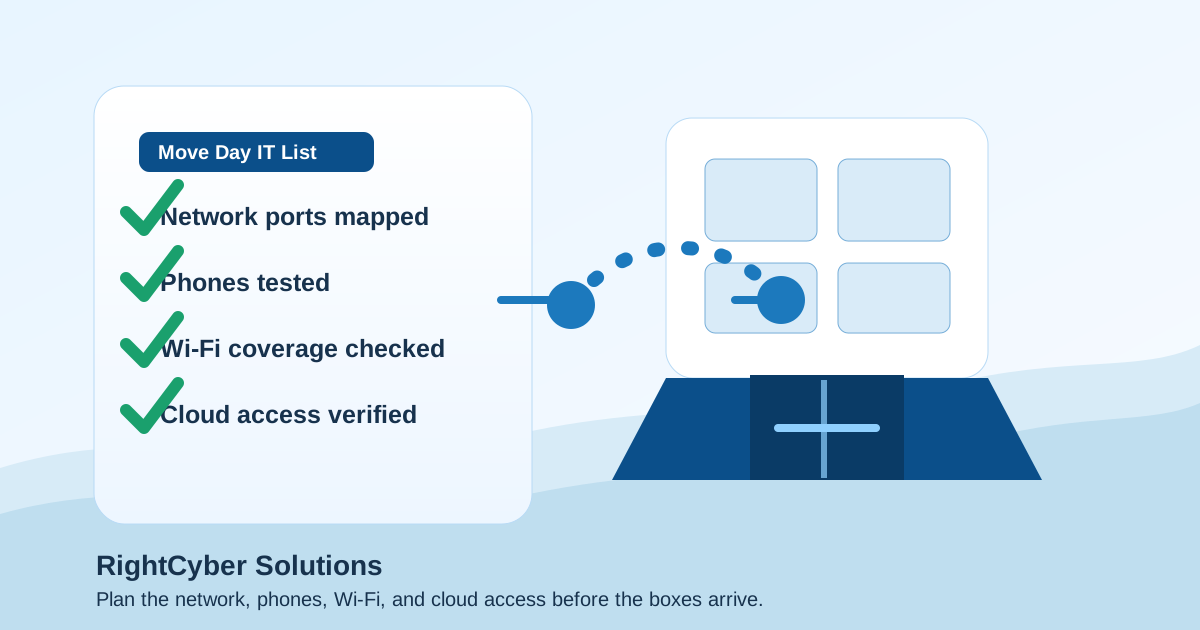
Quick takeaways
- Order internet early and confirm the installation date, handoff location, public IP needs, and backup connection options before the move
- Walk the new space with the business workflow in mind so network ports, Wi-Fi, phones, printers, cameras, and payment devices land where staff actually need them
- Review Microsoft 365 or Google Workspace, file access, shared mailboxes, and device sign-ins so employees can work from the new office without unsafe shortcuts
- RightCyber helps Northeastern Colorado businesses plan office moves, coordinate vendors, test the setup, and support the first days in the new location
Start with the workday, not the moving boxes
The best office move plan starts by asking how work should happen on the first morning in the new space. Who answers the phones? Which desks need wired network access? Where will customers check in or pay? Which computers need scanners, label printers, shared files, cameras, or line-of-business software? Those answers shape the technology plan better than a floor plan alone.
A walk-through should include the owner, a manager who understands daily operations, and the IT partner or support person who will help make everything work. It is much easier to add a network drop, change the modem location, or adjust Wi-Fi coverage before the furniture is in place and customers are waiting.
RightCyber often sees the same avoidable problem: the internet gets installed wherever the provider finds a convenient wall, then the business tries to stretch cables, Wi-Fi, and phones around that decision. Planning the layout ahead of time keeps the new office from depending on last-minute workarounds.
Order internet and confirm the handoff details early
Internet service can be the longest lead-time item in a move. A provider may need construction, building access, a site survey, or coordination with the landlord. Even when service is already available in the building, the business still needs a confirmed installation date, modem or fiber handoff location, static IP needs, firewall compatibility, and after-hours contact information.
If phones, payment terminals, cloud software, security cameras, or remote access depend on the internet, the business should not treat the connection as a small utility detail. A move plan should also consider a backup connection, especially for offices where missed calls, interrupted payments, or unavailable cloud apps would stop the day.
For companies spread across Northeastern Colorado, the right answer may be different in each town. A downtown Greeley office, a shop outside Sterling, and a professional office near Fort Morgan may have very different provider choices and failover options.
Map network ports, Wi-Fi coverage, and shared equipment before furniture arrives
A new space may have wall jacks, but that does not mean they are labeled, active, or connected to the right closet. Each important desk, counter, conference room, printer area, phone location, camera, access-control device, and point-of-sale station should be mapped before the move. Labeling ports during the walk-through saves time when the team is trying to open for business.
Wi-Fi deserves the same attention. The new office may have thicker walls, metal shelving, shop space, medical equipment, neighboring networks, or a different customer waiting area. A single access point that worked in the old location may leave dead spots in the new one.
RightCyber can help turn the walk-through into a clear network plan: where equipment should live, which ports need to be active, how guest Wi-Fi should be separated from business systems, and what needs to be tested before staff arrive.
Move phones with call flow and emergency details in mind
Phone service is easy to overlook until calls start going to the wrong place. Before the move, the business should document main numbers, direct numbers, call queues, voicemail boxes, auto-attendant greetings, fax lines if any still exist, and after-hours routing. If the office uses cloud phones, the new network and firewall should be ready for them before the cutover.
Emergency calling details should also be reviewed. The service address tied to phones needs to match the real location, and staff should know which devices are active on the first day. A move is a good time to clean up old extensions, former-user voicemail boxes, and outdated greeting messages.
If phones are part of a larger customer-service workflow, moving them should be coordinated with internet activation, firewall configuration, and staff testing rather than handled as a separate last-minute task.
Check cloud accounts and access before employees improvise
When employees arrive at a new office and cannot reach files, email, printers, or business apps, they often find their own shortcuts. They may email files to personal accounts, save documents in the wrong place, share passwords, or skip a security step just to keep the day moving. A move plan should reduce that pressure before it starts.
Microsoft 365 or Google Workspace access should be reviewed before the move: shared mailboxes, file permissions, groups, multifactor authentication, device sign-ins, and any apps tied to the old location. If devices are being replaced or renamed, the business should know which users and departments are affected.
The goal is not to make the move complicated. The goal is to make normal work available in the new office without creating messy exceptions that stay around long after the boxes are unpacked.
Coordinate vendors so one missing piece does not stall the opening
Office moves often involve more vendors than expected: the internet provider, phone provider, copier company, alarm company, camera installer, payment processor, software vendor, landlord, cabling contractor, and sometimes a general contractor. If nobody owns the technology timeline, each vendor may assume someone else handled the dependency.
A simple move tracker can prevent that. It should list each vendor, contact information, installation date, required access, equipment location, and what must be tested. It should also name the person who can approve changes if something does not match the plan on site.
RightCyber can help coordinate the technical side so the business is not stuck translating between providers. That includes checking whether the firewall, switches, Wi-Fi, phones, printers, cameras, and cloud accounts are all ready for the same opening date.
Test the new office before the first customer or patient walks in
A useful move plan includes a test window before the office is considered ready. That test should include internet speed and stability, firewall rules, Wi-Fi coverage, phones, voicemail, printers, scanners, shared files, business applications, payment systems, cameras, and any remote worker access the business depends on.
The test should be written down in plain language. If something fails, the team needs to know whether it is a provider issue, a cabling issue, a device problem, a cloud permission problem, or a support ticket with a software vendor. Guessing on opening morning costs more time than checking beforehand.
RightCyber Solutions helps Northeastern Colorado businesses plan office moves, coordinate IT vendors, prepare networks and phones, review Microsoft 365 or Google Workspace access, and support the first days in a new location. If your business is moving, expanding, or opening another office, a technology move plan can make the transition feel controlled instead of chaotic.
FAQ
When should a small business start IT planning for an office move?
Start as soon as the new location is likely, especially if internet installation, cabling, phones, cameras, or payment systems are involved. Internet and cabling lead times can be longer than expected, so waiting until the week of the move creates unnecessary risk.
What technology should be checked before moving into a new office?
At minimum, check internet service, firewall placement, network cabling, Wi-Fi coverage, phones, printers, scanners, shared files, cloud accounts, payment systems, security cameras, alarms, and any software that staff need on the first workday.
Can Microsoft 365 or Google Workspace be affected by an office move?
Yes. Employees may use new devices, networks, printers, shared files, sign-in locations, or security settings after the move. Microsoft 365 or Google Workspace access should be reviewed so staff can work without using unsafe shortcuts.
Can RightCyber help coordinate internet, phones, and network setup during a move?
Yes. RightCyber can help Northeastern Colorado businesses plan the IT side of an office move, coordinate technical vendors, prepare the new network, test phones and Wi-Fi, and support staff as the new location opens.