
Employee Access Cleanup
Employee Onboarding and Offboarding IT Checklist
Hiring a new employee or saying goodbye to a former one should not leave the business guessing about accounts, devices, email, files, or passwords. For Burlington businesses, a simple onboarding and offboarding checklist can prevent support headaches, reduce account risk, and make technology easier to manage as the team changes.
By RightCyber Solutions · 2026-07-16
Quick takeaways
- New employees need the right accounts, devices, permissions, and MFA before their first productive day
- Departing employees should be removed from email, cloud files, business apps, remote access, and shared devices quickly
- Microsoft 365 or Google Workspace settings should be reviewed so old access and risky admin roles do not linger
- RightCyber helps Burlington and Kit Carson County businesses build repeatable IT checklists that owners can actually follow
Team changes are where many IT gaps quietly begin
A business may have good intentions when an employee starts or leaves, but the details are easy to miss during a busy week. Someone creates an email account, another person shares a folder, a manager hands over an old laptop, and a software vendor adds a login. Months later, no one is completely sure who has access to what.
For a Burlington office, shop, clinic, nonprofit, or field-service team, those small misses can become real problems. A new employee may be unable to work because the right tools were not ready. A former employee may still receive email, keep access to files, or have a saved password on an old device. The risk is not always dramatic, but it is avoidable.
A written checklist gives owners and managers a repeatable path. It makes account setup faster, departures calmer, and support easier because the business can see what should happen every time the team changes.
New employees should start with the right tools and permissions
Good onboarding starts before the first day. The business should know which device the employee will use, which email address they need, which shared files are required, which printers or phones they will use, and which business applications are part of their role. Waiting until the employee arrives often turns day one into a scramble.
The goal is not to give every new person access to everything. A receptionist, technician, bookkeeper, sales employee, and manager usually need different permissions. Starting with the right access helps employees work faster while keeping sensitive files, admin settings, and financial systems limited to the people who need them.
A good setup also includes multifactor authentication, password manager guidance where appropriate, device updates, endpoint protection, browser settings, and a clear place to ask for help. Those basics make the first week smoother and reduce the chance that shortcuts become permanent habits.
Email and cloud accounts deserve special attention
Email is usually the center of the workday. It connects employees to customers, invoices, calendars, shared files, password resets, vendor portals, and internal communication. If an email account is set up casually or left active after someone leaves, the business can lose control of important information.
Microsoft 365 or Google Workspace should have a defined process for new users, former users, shared mailboxes, forwarding rules, file ownership, mobile devices, and admin roles. A former employee account may need to be disabled, archived, converted, delegated, or transferred depending on how the business uses it.
This is also the right time to review MFA, recovery options, suspicious sign-in alerts, and whether personal email accounts are being used for business tasks. Clean cloud account management makes daily support easier and reduces the damage a stolen password can cause.
Departures need a same-day access removal plan
When an employee leaves, timing matters. The business should know who disables the account, who collects the device, who changes shared passwords, who removes remote access, who checks forwarding rules, and who confirms that vendor systems have been updated. If every departure is handled from memory, something will eventually be missed.
Offboarding should include email, Microsoft 365 or Google Workspace, line-of-business software, accounting tools, payroll systems, remote desktop or VPN access, password vaults, shared inboxes, phones, tablets, laptops, and any physical access tied to technology. It should also include a way to preserve business records the company still needs.
A calm offboarding process protects both sides. The company keeps control of its systems, the departing employee is not left with accidental access, and managers have a clear record of what was completed.
Devices should be assigned, returned, cleaned, and documented
Employee access is not only about cloud accounts. Laptops, desktops, tablets, phones, printers, keys, security cameras, and remote access tools can all carry business risk if they are not tracked. A device that still has a saved browser password or local files may matter even after the email account is disabled.
A simple inventory should show who has each device, what condition it is in, whether it is encrypted where appropriate, what protection is installed, and whether it has been wiped or reset before reassignment. This does not have to be complicated, but it does need to be current enough to trust.
For smaller businesses, device documentation also helps with budgeting and support. The owner can see which computers are aging, which users need replacements, and which machines may be reused safely after proper cleanup.
Shared passwords and vendor logins need ownership
Many small businesses have at least a few shared logins: a vendor portal, social media account, shipping tool, camera system, website account, or older application that does not support named users. Shared access is common, but it should not be unmanaged.
The business should know where shared credentials are stored, who can use them, when they were last changed, and what happens when someone with access leaves. If passwords are sitting in a spreadsheet, browser profile, sticky note, or former employee phone, the business has a cleanup project waiting.
A password manager, named user accounts where available, and a written owner for each vendor login can reduce confusion. It also makes emergency changes faster if a device is lost, an employee leaves unexpectedly, or a vendor account appears suspicious.
A repeatable checklist keeps managers from reinventing the process
The best onboarding and offboarding process is one the business will actually use. It should be short enough for managers to follow, clear enough for non-technical staff to understand, and specific enough that important systems are not forgotten. A checklist that lives only in one person's head is not a process.
RightCyber Solutions helps Burlington and Kit Carson County businesses turn account setup, device tracking, cloud security, backups, and employee departures into practical steps. That may include reviewing Microsoft 365 or Google Workspace, cleaning up old users, documenting devices, tightening MFA, coordinating with software vendors, and creating a support path for future changes.
If your business is hiring, reorganizing, or unsure whether former employee access was fully removed, now is a good time to clean up the process before the next staffing change adds more uncertainty.
Burlington onboarding and offboarding access check
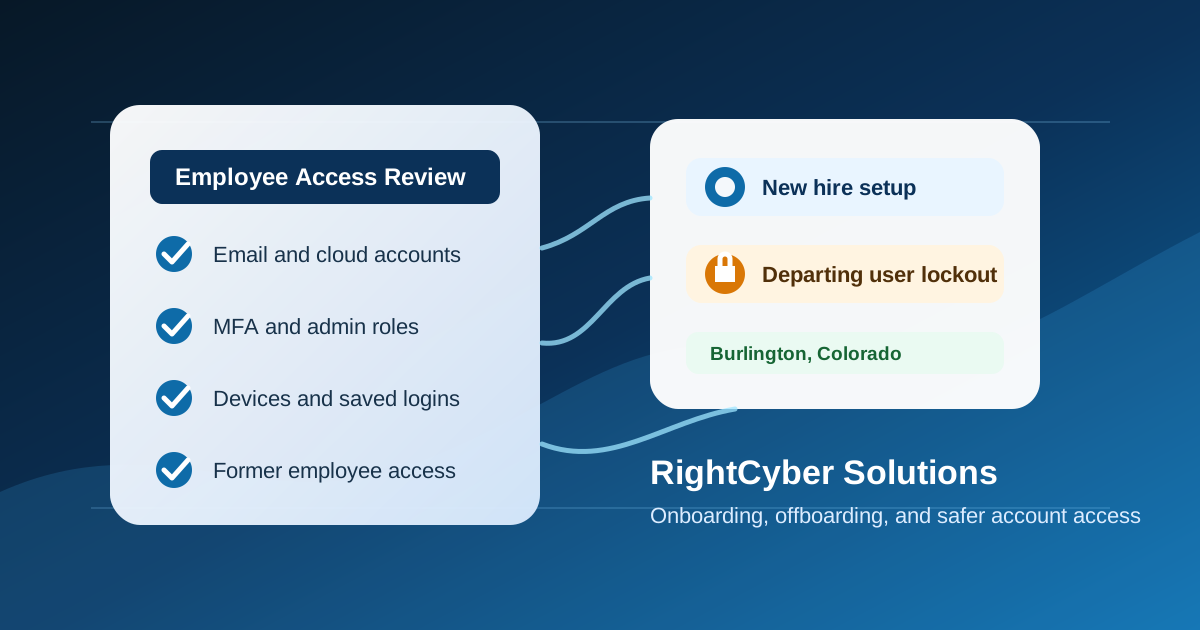
A useful access check lists every active user, shared mailbox, vendor login, phone-system account, device, and cloud app tied to the business. Then it confirms which accounts require MFA, which users still need access, and which old permissions should be removed.
For Burlington and Kit Carson County teams, this is often the fastest security improvement: remove stale users, check email forwarding, protect Microsoft 365 or Google Workspace, verify backup coverage, and document the checklist so the next employee change is not handled from memory.
FAQ
What should a Burlington business include in an employee IT onboarding checklist?
Include the employee's device, email account, Microsoft 365 or Google Workspace access, MFA, shared files, printers, phones, business applications, password manager setup, endpoint protection, and support contact information.
How quickly should former employee access be removed?
Access should be removed the same day the employee leaves, with extra care for email, cloud files, remote access, accounting systems, vendor portals, shared passwords, and company-owned devices.
Why does offboarding matter for small businesses?
Small businesses often rely on shared systems and informal processes. Offboarding helps prevent former users from retaining accidental access to email, files, customer records, payment tools, or devices.
Can RightCyber help create an onboarding and offboarding checklist?
Yes. RightCyber can help Burlington businesses document account setup, access removal, device return, cloud security, MFA, vendor logins, and ongoing managed IT support for future staffing changes.